Sarasota Computer Repair Contact & Service Info
Looking for Sarasota computer repair contact information? You’ve found it. MakingComputers.Net has been Sarasota’s trusted computer repair service since 1997, backed by a 5-year warranty on every repair. Our technicians diagnose the real problem first and never charge extra for a follow-up visit. Sarasota Computer Repair Contact Details Phone: 941.879.5150 Address: 6153 Nicole Court, Sarasota, […]
Fun iPad Hacks & Tricks + Best iPad Security Settings for 2026

Discover the best iPad hacks, iPadOS 26 multitasking tricks, and top security settings for 2026 — including Stolen Device Protection and Lockdown Mode.
Windows Hidden Hacks & Security Practices (Step-by-Step)

Windows has a long list of Windows hidden hacks buried in Settings and Control Panel that most people never stumble onto — plus a security checklist worth running through if you’ve never locked the machine down properly. Here’s both, step by step. Jump to: Windows Hidden Hacks | Windows Security Hardening | A Closer Look […]
MacBook Pro Hidden Hacks & Security Practices (Step-by-Step)

Your MacBook Pro has a long list of MacBook Pro hidden hacks buried in macOS that most people never stumble onto — plus a security checklist worth running through if you’ve never locked the machine down properly. Here’s both, step by step. MacBook Pro Hidden Hacks — How To These are the MacBook Pro hidden […]
Sarasota Computer Repair: Why “The Right Way” Is Essential
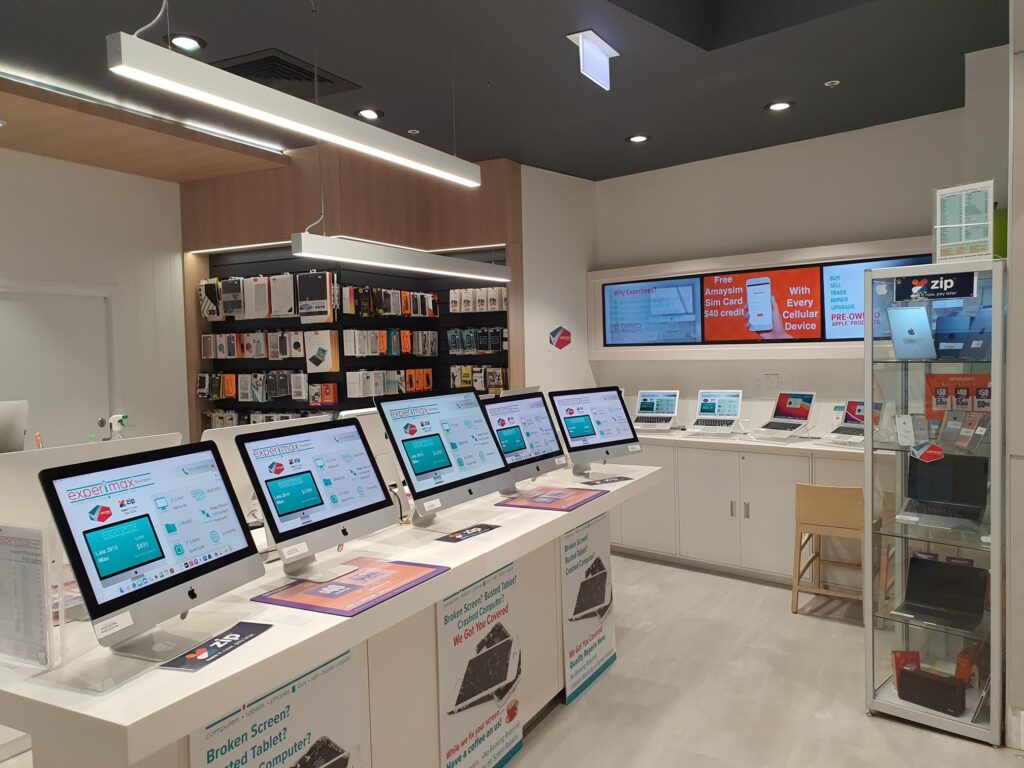
If your laptop is running slow, your desktop won’t boot, or you’re staring down a blue screen of death, finding trustworthy Sarasota computer repair can feel like its own tech problem. Computer Repair The Right Way was built around a simple idea: fix it properly the first time, explain what happened in plain English, and […]
Best Advice for Keeping Your Devices Running Longer
Most computer, phone, and tablet repairs we see could have been avoided, or delayed for years, with a few simple habits. Here’s our best advice for keeping devices running longer and avoiding costly repairs. Jump to: The 8 Tips | Why This Works | FAQ 1. Keep Software Updated Updates aren’t just new features, they […]
Free Diagnostic Check: Phones, Computers & Tablets
Looking for a free diagnostic check for your phone, computer, or tablet? You’re in the right place. Our free diagnostic check pinpoints the exact issue before any repair work begins — no guesswork, no unnecessary charges. Proudly serving Sarasota computer repair customers since 1997. Jump to: What We Diagnose | How It Works | Why […]
Hidden Android Tricks and the Best Security Settings to Turn On in 2026

Android phones are packed with hidden Android tricks most people never discover — some just make daily use smoother, others genuinely protect your phone and your data. Here’s a mix of fun finds and the best security settings actually worth turning on, straight from our techs. Jump to: Fun & Hidden Android Tricks | Best […]
Hidden iPhone Tricks and the Best Security Settings to Turn On in 2026

Your iPhone is full of hidden iPhone tricks and security tools tucked away in Settings that most people never discover. Here’s a mix of fun finds and the best security settings that actually matter. Jump to: Fun & Hidden iPhone Tricks | Best Security Settings | A Closer Look | FAQ Back Tap — Double […]
Reviews Computer Repair MakingComputers.Net

Sarasota residents comparing local shops often start with sites like this one for Reviews Computer Repair feedback before they book — checking turnaround time, pricing, and technician experience side by side. For location-specific details, see our Sarasota computer repair page or our Venice service area page, or verify our standing directly on Google Reviews. Your […]